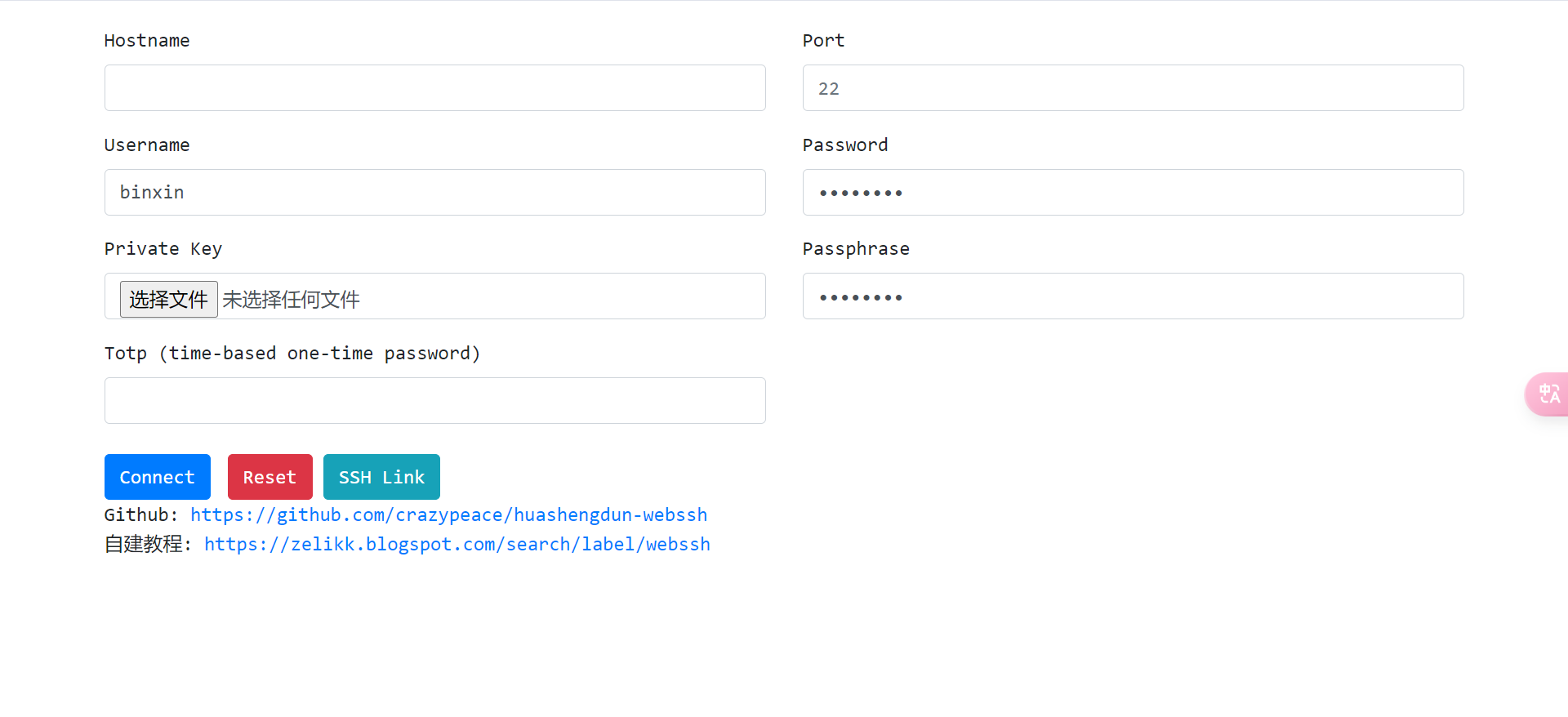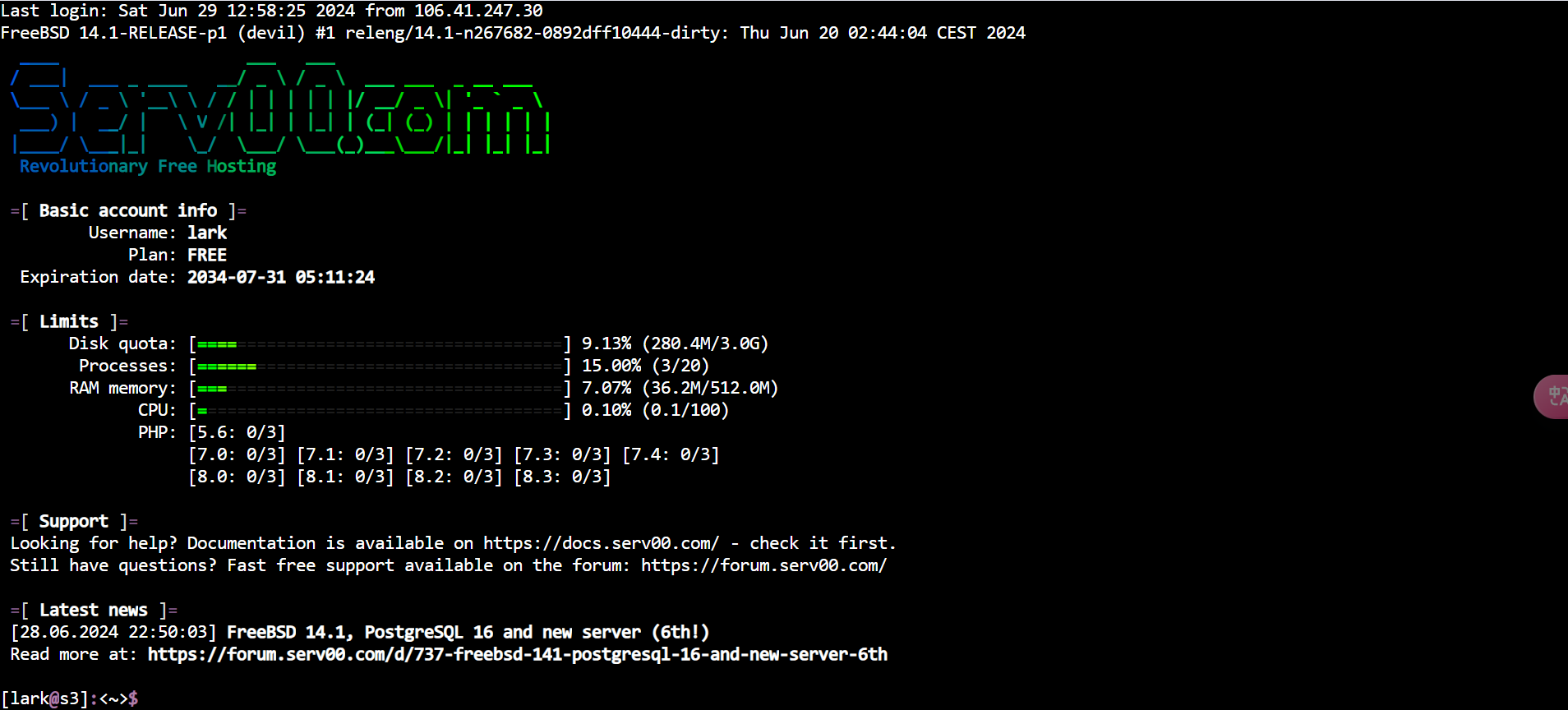

自从 WARP 被墙后,我们无法访问纯 IPv6 的服务器,同时 serv00 被墙后也无法通过 SSH 连接。为了解决这些问题,我们可以部署一个 WebSSH
首先,fork 该仓库: huashengdun-webssh
接下来,修改 webssh/settings.py 文件,在 default 后面添加 utf-8 以防止代码输出中文乱码
define('encoding', default='utf-8',
       help='''The default character encoding of ssh servers.
Example: --encoding='utf-8' to solve the problem with some switches&routers''')
define('version', type=bool, help='Show version information',
       callback=print_version)
在 koyeb 上部署
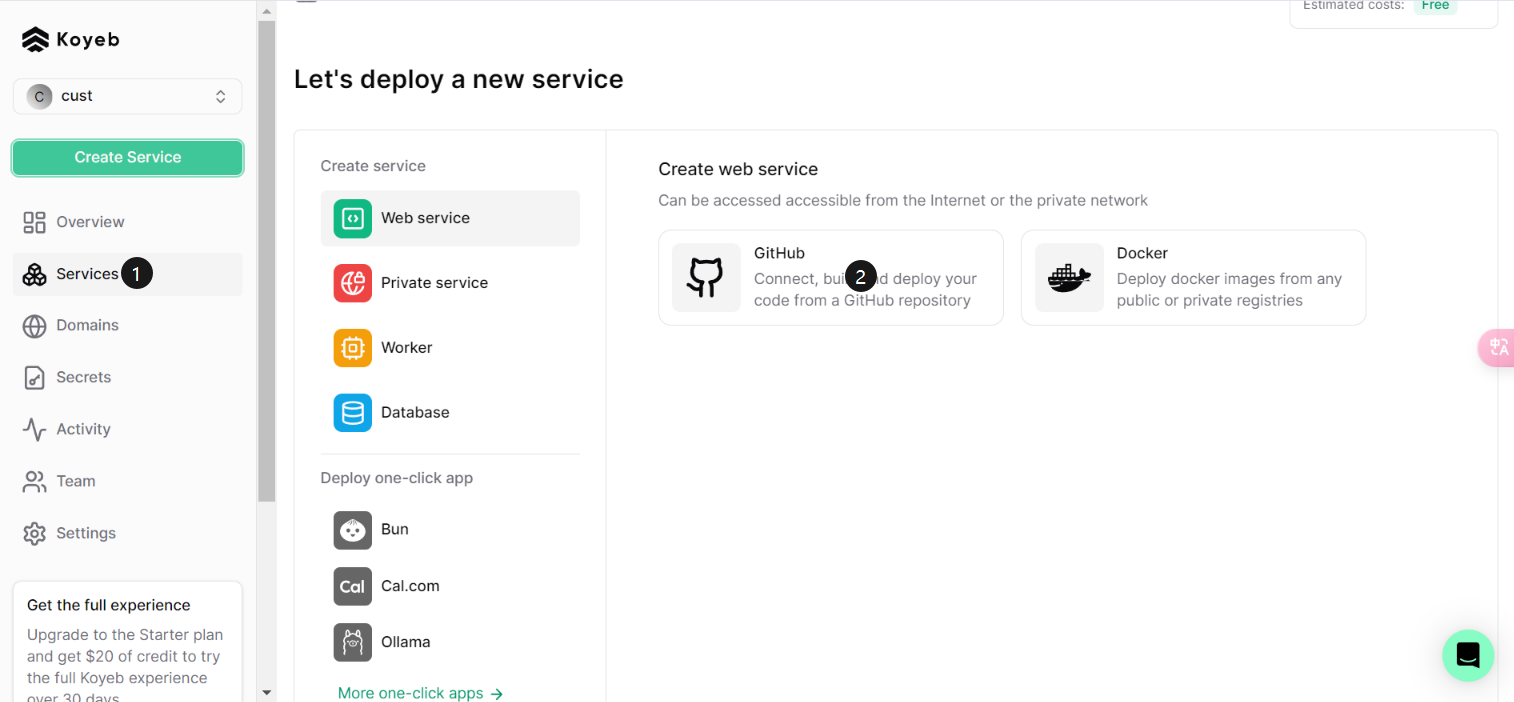
选择刚才 fork 的仓库,并调整地区为 Washington, D.C
覆盖 Run command
python run.py --xsrf=False --xheaders=False --origin='*' --debug --delay=6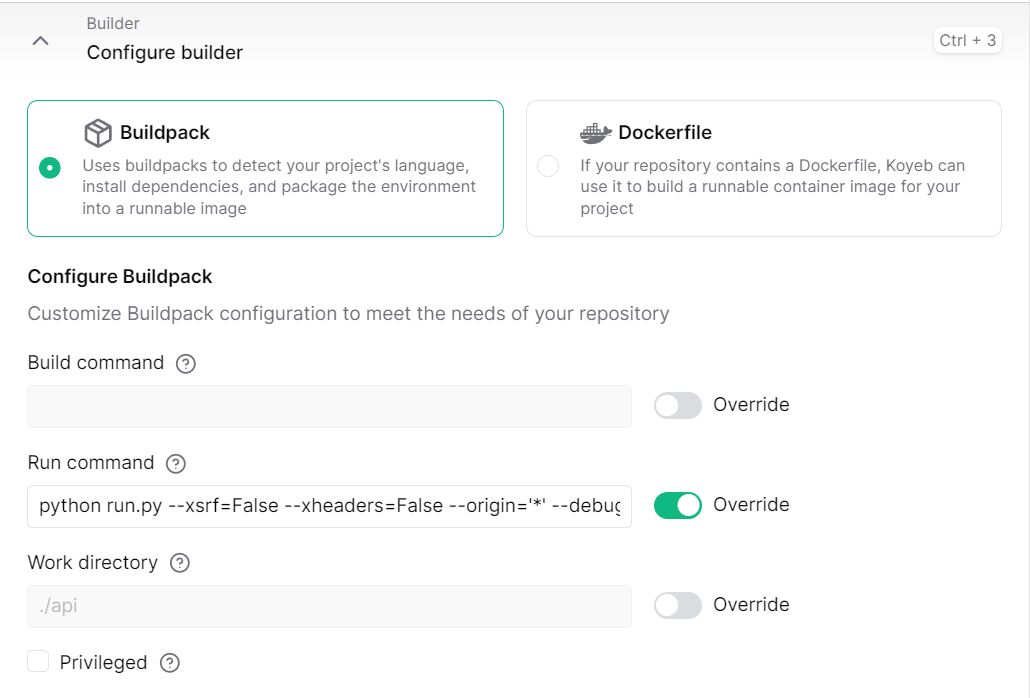
修改端口为 8888,然后点击部署
使用 Cloudflare Workers 进行反代
需要将代码中的 app.koyeb.com 替换为 Koyeb 提供的域名
addEventListener('fetch', (event) => {
  event.respondWith(handleRequest(event.request));
});

async function handleRequest(request) {
  let url = new URL(request.url);

  // 将 "app.koyeb.com" 替换为您的 Koyeb 应用域名
  const targetHostname = 'app.koyeb.com';

  const workerHostname = request.headers.get('host');

  if (url.hostname === workerHostname) {
    url.hostname = targetHostname;

    let newRequest = new Request(url, request);

    return fetch(newRequest);
  } else {
    return new Response('Not Found', { status: 404 });
  }
}
效果图